
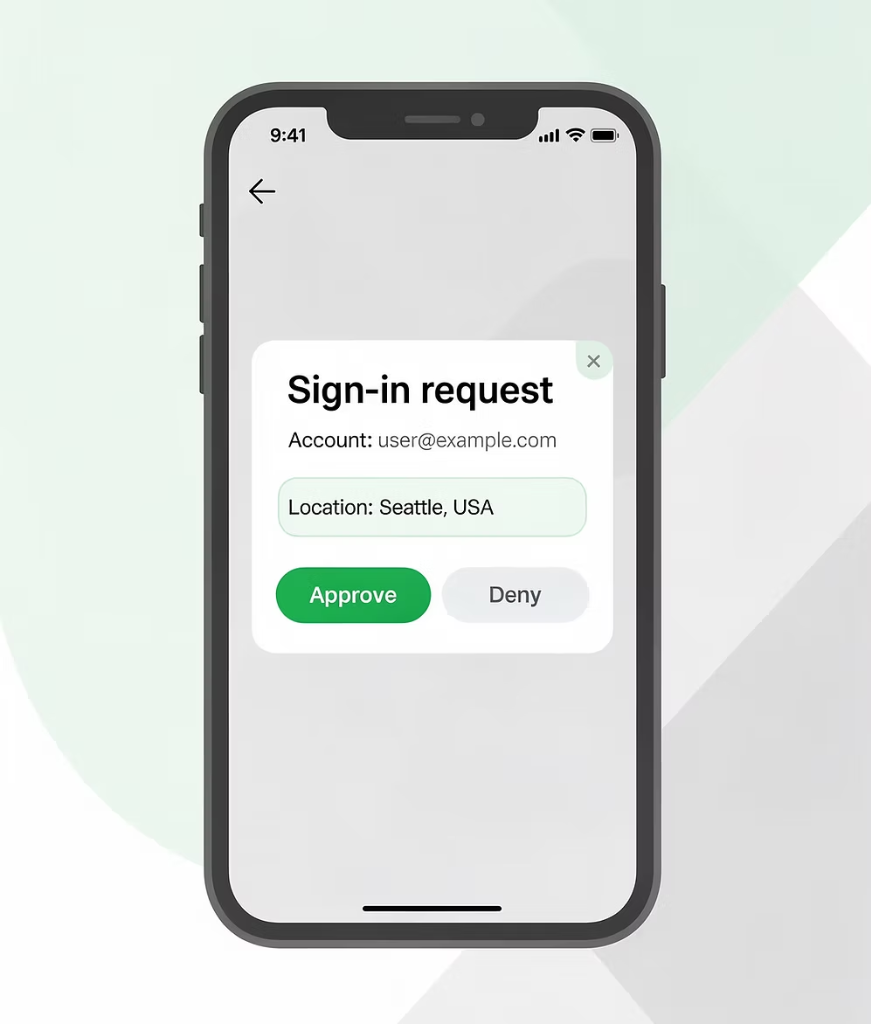
Built from a real customer problem.
CallerVerify came from a real challenge brought to TechJutsu by one of Alberta’s largest financial institutions during a major digital transformation.
The institution had invested heavily in Okta MFA to secure its online and mobile banking. The help desk remained exposed. Members calling in to reset a password or unlock an account were still being verified with security questions, a process that was slow, frustrating, and increasingly vulnerable to fraud. The problem was amplified during COVID-19, when remote communication became the norm and fraud attempts escalated alongside it.
TechJutsu CEO Tracey Nyholt and her team worked directly alongside the institution's frontline agents and members to understand the problem from the inside. What they built was deceptively simple: extend the trusted Okta MFA the institution already used for online banking to the phone channel. When a caller contacts the help desk, the agent sends a secure push notification to the caller's registered device. The caller taps to approve. Verification is complete in under 10 seconds.
No scripts. No security questions. No exposure. Faster handle time. Lower cost. Cleaner audit trails.
The market is moving from “trust the user” to “verify the interaction.”
Attackers are no longer only targeting login pages. They are exploiting the moments around login: help desk calls, MFA resets, password resets, customer support platforms, fake IT communications, callbacks, and trusted-looking service interactions. Traditional security questions, caller ID, and manual checks are no longer enough. Vishing attacks surged 442% in 2024 (CrowdStrike 2025 Global Threat Report). The Canadian Anti-Fraud Centre reported $284 million in vishing losses in the first half of 2024 alone, with recovery rates below 3%. NIST has explicitly classified security questions as insufficient for identity verification.
MGM Resorts
Help desk social engineering became one of the clearest examples of attackers bypassing technical defenses by exploiting support workflows.
Clorox
Clorox’s lawsuit alleged that help desk credential-reset failures contributed to a major 2023 cyberattack and operational disruption.
UnitedHealth/Change Healthcare
Compromised credentials and missing MFA on a remote-access portal caused major disruption across healthcare operations.
Harvard, Hims & Hers, Canvas
Recent incidents show attackers exploiting trusted communication channels, support systems, and customer-service environments, not just login pages.
NY DFS vishing advisory (Feb 2026)
Formal regulatory signal: do not rely on Caller ID; implement procedures to confirm identity for credential resets, remote access, and access-related requests.
Canadian Centre for Cyber Security (Apr 2026)
Warned about social-engineering-enabled compromise of enterprise SaaS environments, including support staff being convinced to reset MFA or enroll attacker-controlled devices.
CISA Scattered Spider advisory
Threat actors use social engineering to convince IT help desk personnel to reset passwords and/or MFA tokens.
HHS/HC3 healthcare sector alert
Social engineering attacks targeting IT help desks in the health sector; HHS recommends stronger identity-verification policies and procedures for help desk requests.
How Caller Verify Works
The verification workflow is fast, intuitive, and built for operational efficiency. Agents get definitive identity confirmation without disrupting the support experience. From initiation to confirmed identity, the entire process completes in under 10 seconds. Agents gain full confidence before taking any sensitive action, and every step is automatically recorded for compliance and audit purposes.
Start
User requires technical assistance.
Help Desk Agent
User contacts the help desk using whatever tools the company provides (e.g., ServiceNow, Teams, Zendesk, or phone).
Information
Agent asks for email or another unique identifier.
Identify
Agent enters the user’s identifier in CallerVerify.
Second Factor
Agent sends an MFA challenge through the user’s identity provider.
Result: Verified
Ticket auto-updates with status, method, timestamp and note. Agent proceeds with request.
Result: Not Verified
Agent reports incident; the workflow is blocked from advancing.
No native integration? Use Universal Connector.
CallerVerify works inside any web application, including custom CRMs, internal portals, and platforms without a native integration, through Universal Connector, a Chrome and Edge browser extension.
Universal Connector extends CallerVerify into any browser-based workflow. Same-day deployment. No code required. Used by Okta themselves to secure their own help desk. Available on the Chrome Web Store with an active Caller Verify subscription.

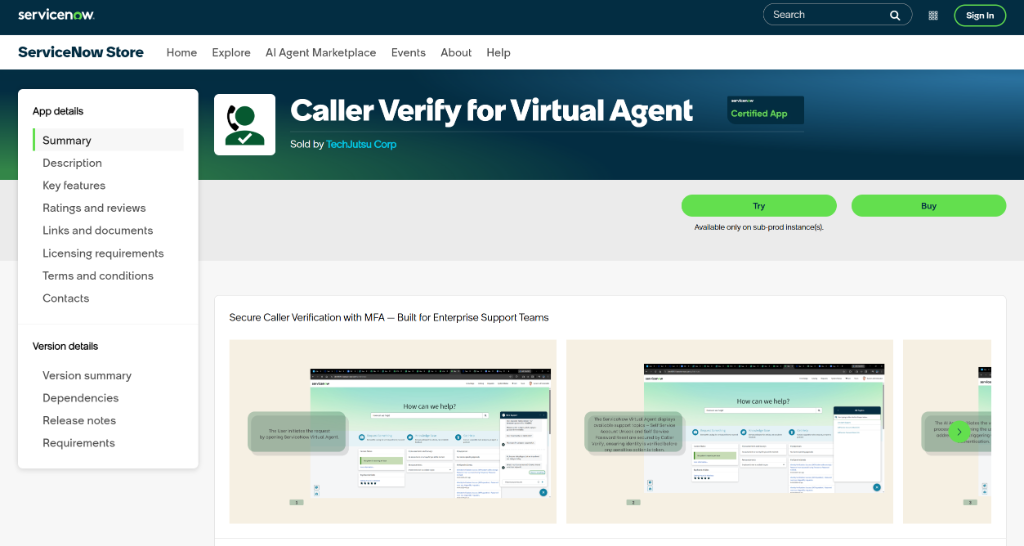
Verify before AI agents act.
AI help desk agents can complete password resets, account unlocks, and access changes faster than human agents, but they lack human intuition to detect impersonation. CallerVerify embeds identity verification before AI-driven actions.
CallerVerify for ServiceNow AI Help Desk Agent is built natively into ServiceNow’s AI agent workflows. Available on the ServiceNow Store. Verification happens before sensitive actions. Update-safe across ServiceNow platform upgrades. Configurable through standard ServiceNow administration. Launched in partnership with ServiceNow, February 2026.
Every factor your users already use and trust.
Okta Verify Push
One-tap push notification to approve authentication on a registered device.
Okta Fastpass
Passwordless, device-bound authentication using biometrics or a PIN.
WebAuthn/Security Keys
FIDO2 security keys (e.g., YubiKey) and built-in device authenticators (e.g., Face ID, Windows Hello).
TOTP (Authenticator Apps)
Time-based one-time passwords generated by apps (Okta Verify, Microsoft Authenticator, Google Authenticator, RSA SecurID).
SMS (Text Message)
One-time codes sent via SMS (not recommended for high-risk workflows).
One-time codes sent via email (not recommended for high-risk workflows).