
Secure Help Desk Identity Verification with Microsoft Entra ID
Extend your existing Microsoft Entra ID MFA to the help desk and contact center with Caller Verify. Eliminate insecure security questions, stop social engineering attacks, and verify caller identity in real time using the same trusted authentication methods your users already rely on every day.
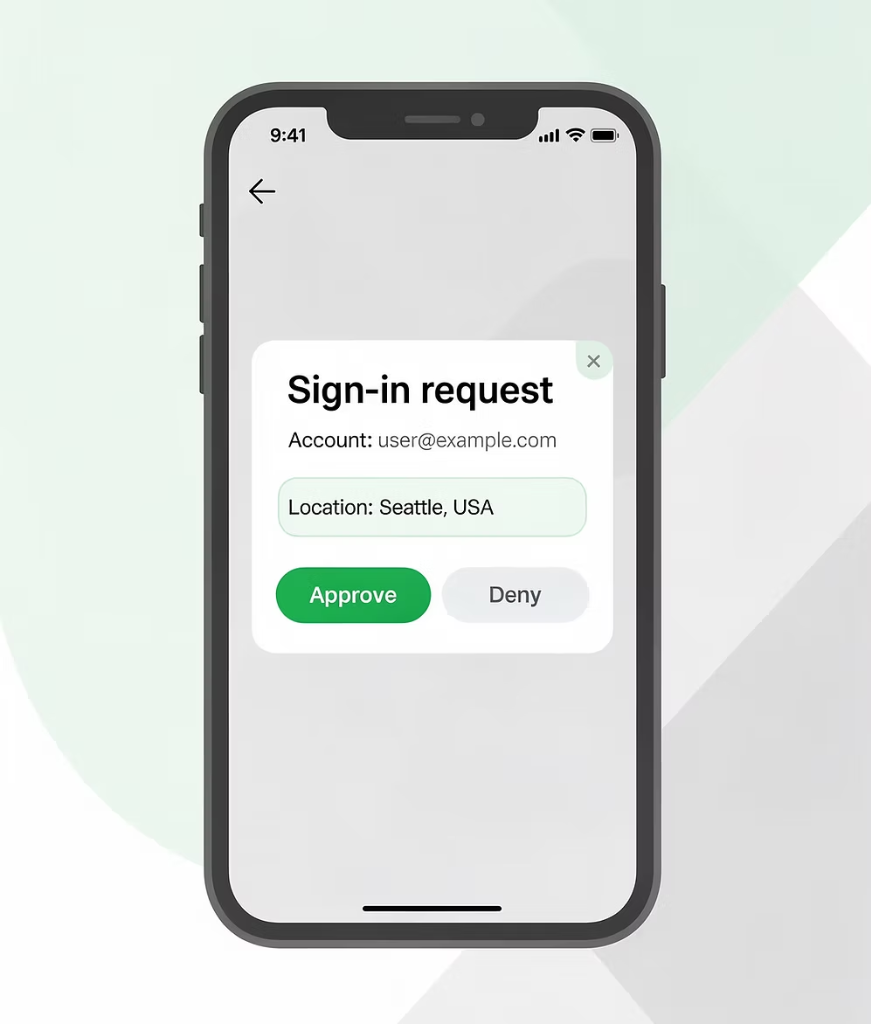
The Problem with Traditional Help Desk Verification
Knowledge-based authentication (KBA) is one of the weakest links in enterprise security today. Attackers don’t need to break into your network when they can simply call your help desk and answer a few easily researched questions.
Personal information is widely available through phishing campaigns, social media profiles, and data breaches. A determined attacker can impersonate any employee convincingly, walking away with a password reset, an unlocked account, or elevated access.
What Attackers Target at the Help Desk
- ✕Password and MFA resets
- ✕Account unlocks
- ✕Privileged access requests
- ✕Payroll and financial system access
- ✕Executive account support
Replace Security Questions with Entra ID MFA
Caller Verify replaces outdated KBA processes with the same Microsoft Entra ID MFA factors your organization already deploys for workforce authentication. There’s no new identity infrastructure to manage and no new credentials for users to learn.
Microsoft Authenticator
Push notifications with number matching for phishing-resistant approval.
Biometrics
Face ID, Touch ID, and device-bound biometric authentication.
Passkeys
FIDO2-compliant strong MFA factors tied to the user’s registered device.
TOTP Codes
Time-based one-time password verification via authenticator apps.
How Caller Verify Works with Entra ID
The verification workflow is fast, intuitive, and built for operational efficiency. Agents get definitive identity confirmation without disrupting the support experience. From initiation to confirmed identity, the entire process completes in under 10 seconds. Agents gain full confidence before taking any sensitive action, and every step is automatically recorded for compliance and audit purposes.
Start
User requires technical assistance.
Help Desk Agent
User contacts the help desk using whatever tools the company provides (e.g., ServiceNow, Teams, Zendesk, or phone).
Information
Agent asks for email or another unique identifier.
Identify
Agent enters the user’s identifier in CallerVerify.
Second Factor
Agent sends an MFA challenge through Entra ID.
Result: Verified
Ticket auto-updates with status, method, timestamp and note. Agent proceeds with request.
Result: Not Verified
Agent reports incident; the workflow is blocked from advancing.
Seamless Platform Integrations
Caller Verify meets your team where they already work. There’s no workflow disruption: agents initiate verification directly from within their existing tools without switching screens or platforms.
Built for Every High-Stakes Support Scenario
Caller Verify is purpose-built for organizations that handle sensitive identity requests at scale. Whether you’re running an enterprise IT help desk, a contact center, or an executive support team, every interaction that could result in account changes or privileged access deserves real identity assurance.
Password & MFA Resets
The most common and most exploited help desk requests. Require verified Entra ID MFA before any credential change is processed.
Account Unlocks & Access Requests
Prevent attackers from using account lockout as a social engineering trigger. Verify the real user before restoring access.
HR, Payroll & Financial Inquiries
High-value targets that demand the highest level of identity assurance before any information is disclosed or changed.
Executive & VIP Support
High-profile accounts are prime targets for sophisticated impersonation. Extend the same strong verification to your most sensitive users.
Why It Matters: The Four Pillars of Caller Verify
Rapid implementation using your existing Microsoft Entra ID environment. No complex infrastructure changes required.
Average time to complete a full Entra ID MFA verification faster than reading security questions aloud.
Weak KBA processes eliminated entirely, replaced by secure device-bound authentication.
Every verification event is logged with full context for compliance, governance, and review.
See Caller Verify with Entra ID in Action
ServiceNow + Microsoft Entra ID
See how support agents can trigger real-time MFA verification directly from ServiceNow before processing access request.
Freshservice + Microsoft Entra ID
Watch how Caller Verify integrates with Freshservice to securely verify users with Microsoft Entra ID MFA before agents process password reset.
ServiceNow + Entra ID + YubiKey
See how Caller Verify supports phishing-resistant authentication using YubiKey security keys with Microsoft Entra ID directly inside ServiceNow workflows.
Standalone Verification
Watch how Caller Verify securely verifies users using Microsoft Entra ID factors in a standalone workflow.
Ready to secure your help desk with Microsoft Entra ID?
Connect your existing Entra ID tenant in under a day and eliminate weak security questions across every support channel.